
Sonoma County VINE Arrest Coverage
VINELink California is the official state-branded route for county-jail custody status and notifications. Sonoma's custody manual assigns VINE notification duties when a victim elects the service. The state interface and local policy together support Sonoma's part in the workflow.
What does VINE actually cover? It tracks custody events a participating agency reports. It can tell you whether a known person is reported in county custody. It can also send notice when that status changes. What it will not do is show the roster's full charge, bail, calendar, or inmate-picture fields.
The official VINELink California page displays the state entry point for a Sonoma County custody search. New users start there. That screen leads directly into the county-level lookup.

Use it for a private search only. Don't save the screen. Never republish a live result. A person's custody status stays their business.
Run a Sonoma County VINE Check
Search for one known person rather than fishing through names. Use the most specific details you have. Common names can return more than one match. A name alone confirms nothing, so check that age, agency, or identifier lines up with what you already know about the person.
- Open VINELink California through the official state landing page.
- Select California, then choose Sonoma County or the appropriate county-jail agency when the interface offers agency choices.
- Enter the person’s first and last name, or use an offender or booking identifier if available.
- Review all possible matches. Compare the identifier, custody agency, facility, and status before choosing a record.
- Read the last-known custody information and its update context. A result can change after release or transfer.
- If no reliable result appears, check the Sheriff roster and contact the detention line rather than assuming non-participation or release.
Keep the person's identifier private. Guard the status result, PIN, and contact details too. VINE is built for a direct custody check and private notifications, never for public posting. The Sonoma County recent arrests hub maps this out. It shows where the underlying county booking record and official roster fields live.
Note: An absent VINE match can reflect timing, spelling, agency selection, custody scope, or a person no longer in county custody.
Sonoma County VINE Result Fields
Fields can change without notice. Each agency reports what it chooses. So results vary, and a cautious description is safer than promising every item will appear. VINE centers on identity, custody, and notification, not the full Sonoma Sheriff arrest-data table.
| Result item | What it means |
|---|---|
| Name or record identity | The identity tied to the possible custody match; compare it carefully. |
| Offender or booking identifier | A number that can help separate people with similar names. |
| Custody status | The last status supplied through the participating agency’s feed. |
| Agency or facility | The reported custodian or location associated with the record. |
| Status change | A release, transfer, or other custody event that may trigger notice. |
| Notification option | The available path to register a phone number or email and create a PIN. |
A VINE status is a custody snapshot, not the whole legal process. The Sheriff's roster goes further. It can carry booking, facility, charges, bail, and calendar sections, while Sonoma Superior Court controls the public case filings and the disposition a court reaches later. They answer different questions.
Register Sonoma County Custody Alerts
After the correct record appears, look for VINELink's registration control. Sign-up takes a few steps. Alerts help that person respond to a custody change. Still, notifications should supplement a safety plan and direct contact with the agency handling the case, not replace either.
- Select the registration or notification option connected to the correct custody record.
- Choose an available delivery route, such as phone or email.
- Enter contact information directly in VINELink. Keep it private and confirm it is accurate.
- Create the required PIN or alert credential. Choose a value that another person cannot easily guess.
- Follow the confirmation instructions and save them in a secure place.
- Update the registration if the phone number or email address changes.
Sonoma's older custody manual gives the Detention Division its notification duties whenever a victim elects VINE. Escape and inadvertent release get separate handling. Current policy governs if procedures change. Anyone with case-specific safety concerns should keep in touch with the victim-services office or the agency connected to the case.
An alert rides on agency data. Delivery is not instant. Network trouble, stale contact information, feed timing, and device settings can each hold a message up, so treat a delay as normal rather than alarming.
Fresh Sonoma County Arrests May Lag
Someone arrested moments ago may not have a completed booking record yet. Sonoma's intake takes time. Identification, fingerprints, photographs, and classification all come before the public jail result is complete. Neither VINELink nor the Sheriff publishes a standard number of minutes or hours for that work.
For a fresh event, set the newest official Sheriff Arrest Log rows beside the Sonoma County Inmate Search. The event feed can show an agency arrest first. The portal and VINE catch up after booking completes. The inmate search takes a last name or booking number and may return name, age, arresting agency, booking date, facility, charges, bail, and calendar information.
The Sheriff inmate-search form is the official current-custody check. Pair it with VINE for any fresh Sonoma arrest.
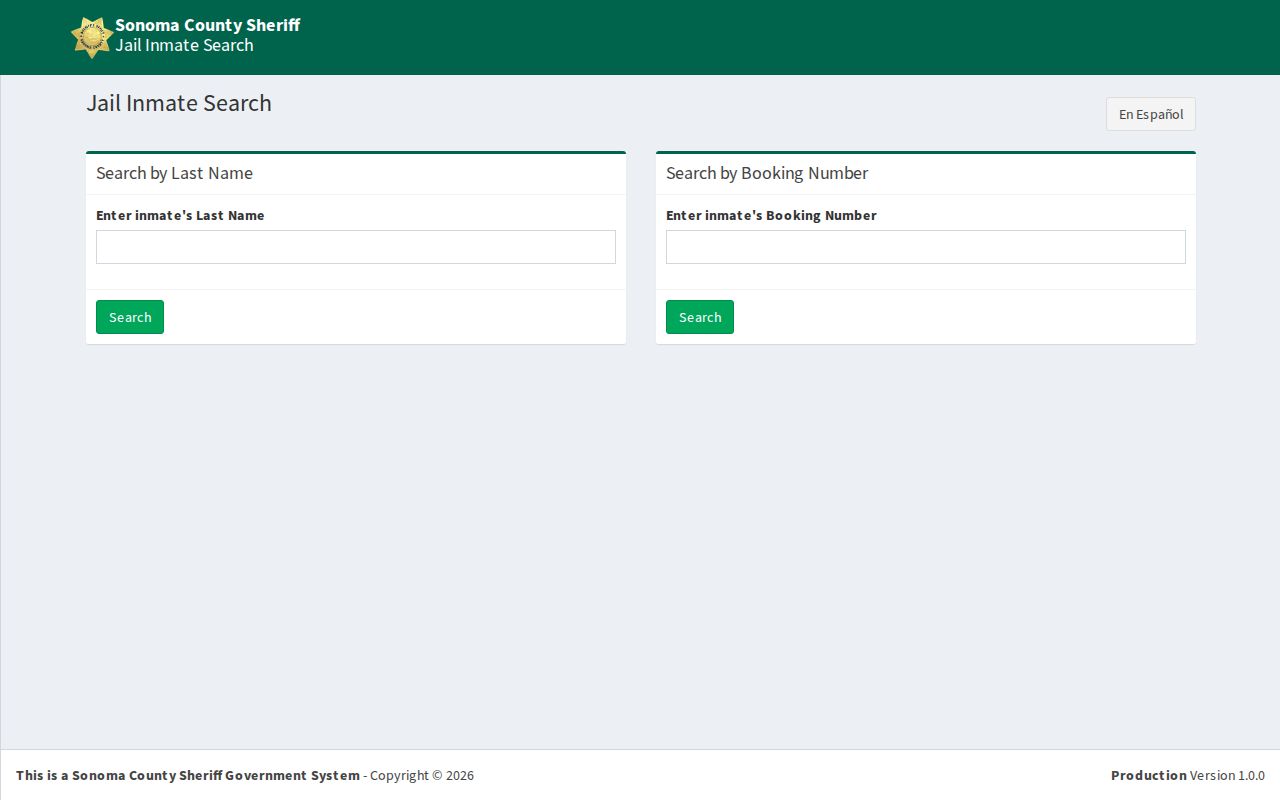
The roster confirms county custody. It also lists booking fields. VINE handles alerts. Different tools, different jobs.
Sonoma County VINE Custody Boundaries
County jail, state prison, and federal custody are three separate worlds. VINE covers the first. It is the route for Sonoma County jail status. If a person moves into California state-prison custody, the California Department of Corrections and Rehabilitation runs its own incarcerated-person search and victim-services process. CDCR points county-jail users to VINE and describes a later transfer-notification route.
Federal custody sits outside this workflow entirely. The Federal Bureau of Prisons runs its own locator. Immigration and Customs Enforcement keeps a separate detainee locator. A missing federal result in VINE says nothing about whether a person is held in one of those systems. The CDCR incarcerated-person search is the distinct state-prison lookup used after a transfer out of county custody.
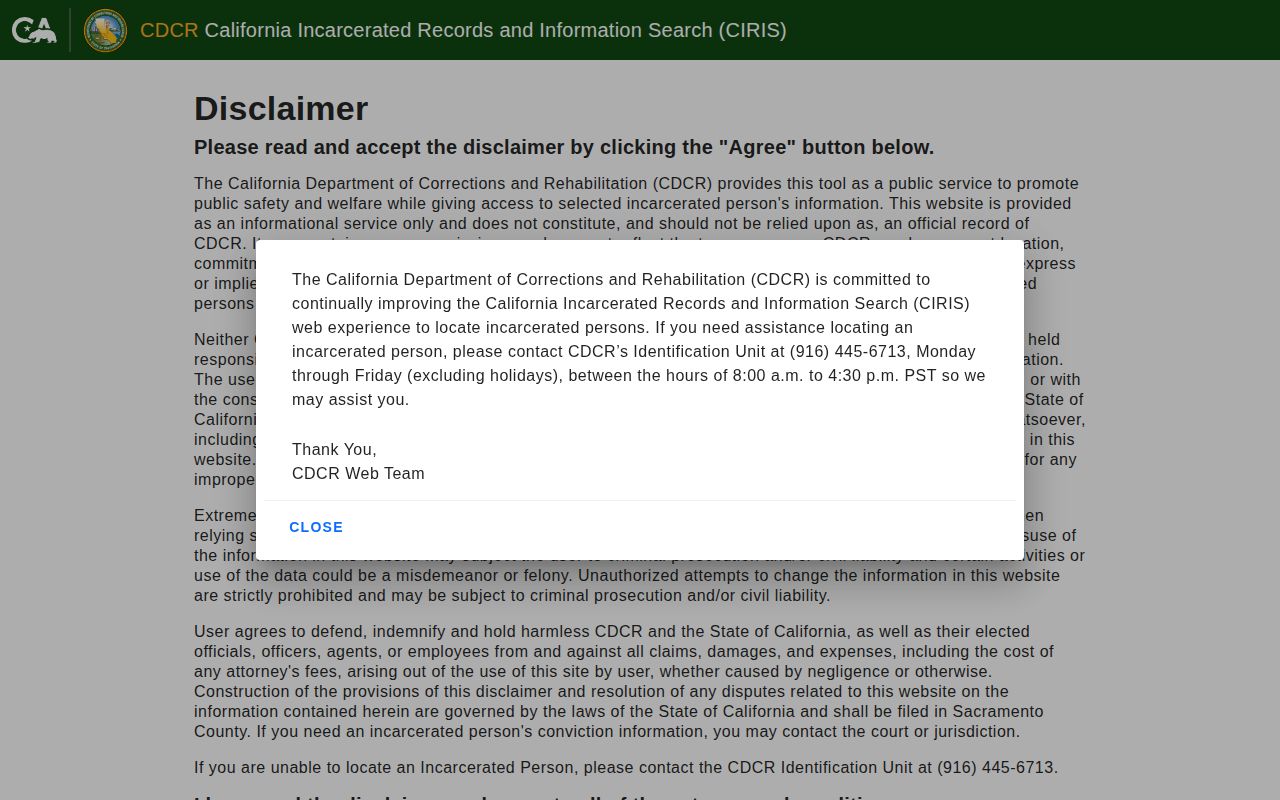
Keep the labels straight. CDCR data is a state-prison source, never a Sonoma County booking source. VINE is no federal locator.
Note: Custody systems may show different stages because each source receives and publishes a different event.
Other Sonoma County Alert Systems
SoCoAlert and Nixle serve a different purpose. The Sheriff links them for evacuation notices, hazard warnings, and general public-safety messages. An arrest rarely shows up there. Neither one tracks who is in custody at the Sonoma County jail. The Sheriff's Facebook, Instagram, YouTube, and X accounts fall short in the same way. A social post is not a booking record.
There is also no official Sonoma Sheriff app for looking up inmates. GettingGutOut handles detention communications, video visits, and tablet services. The public roster stays off limits through it. For arrest and custody checks on a phone, the VINELink site is a reliable stop. The Sheriff's own website is the other. That split matters. A messaging tool or a post should never be mistaken for a custody record.
No Sonoma County VINE Result
A missing match is not a firm answer. Treat it as a cue to slow down. Start with the spelling of the name. Try alternate name forms too, but only ones genuinely tied to the person you mean. Confirm that California is selected. Confirm the correct Sonoma County agency as well. Someone arrested very recently may still be moving through intake, and a person who was released or transferred may simply no longer appear the way you expect.
Next, open the official Sonoma County inmate portal. Search by last name or booking number. Before trusting a match, compare the arresting agency, booking date, facility, and age. A very fresh event calls for one more stop. The Sheriff Arrest Log puts its newest arrests at the top, sorted by Date/Time. An arrest can appear there before the VINE or roster record catches up.
Still unclear after that? Call detention at (707) 565-1400 for a practical custody inquiry. The Records Unit at (707) 565-2204 handles older detention files and formal copies. A victim-services contact tied to the case can address notification needs that no public search can. And keep one thing straight: a blank VINE screen is never proof of release.
Note: Sonoma participation is supported by the custody manual, so an interface failure is not county non-participation.
Protect Sonoma VINE Alert Details
Your registration details are private. Keep the PIN, email confirmation, and phone instructions somewhere another person cannot casually reach. Never post a VINELink result or alert credential in a public place. If your phone number changes, update the registration rather than assuming the old alert will follow you to a new device.
It is not a court order, a safety guarantee, or a full account of the person's movement. When an alert reports a release or transfer, reopen the official record. Then bring questions tied to a safety plan to the agency or the victim-services contact.
Sonoma County Arrest Records and Guilt
A VINE match tells you one thing only. It reports custody status. For who is in county custody right now, check the Sheriff roster. For notice of a release or transfer, register through VINE. The later case outcome lives with Sonoma Superior Court, and that is a separate lookup.
Copies work differently. A released person may no longer appear online at all. When you need the paper trail, the Sheriff Records Unit can help. It maintains the detention files. Formal requests go through that unit at (707) 565-2204.