
Sonoma County Arrests Today
Start with the Sonoma County Sheriff Arrest Log. That page is the official source. It lays out recent arrest events in a plain table. Nothing on it promises a rolling twenty-four-hour filter. So think of it as a same-day operational view instead. Check the Date/Time value on each row you care about. Position means little here. An entry near the top did not necessarily happen within the last day. An arrest-event row and a finished jail booking are different records. The feed may list an arrest reported by the Sheriff or by another agency. The inmate portal answers a separate question. Is that person in Sonoma County jail custody right now? Someone cited and released never lands on the roster at all. Others get transferred or are still being processed. So keep the conclusion narrow. The row only says an arrest event was published at the time you checked.
The official Sheriff Arrest Log is the working source here. Each new booking appears as a row. Agency, date, and charge sit beside the name. It is the newest Sonoma County arrest data the Sheriff publishes.
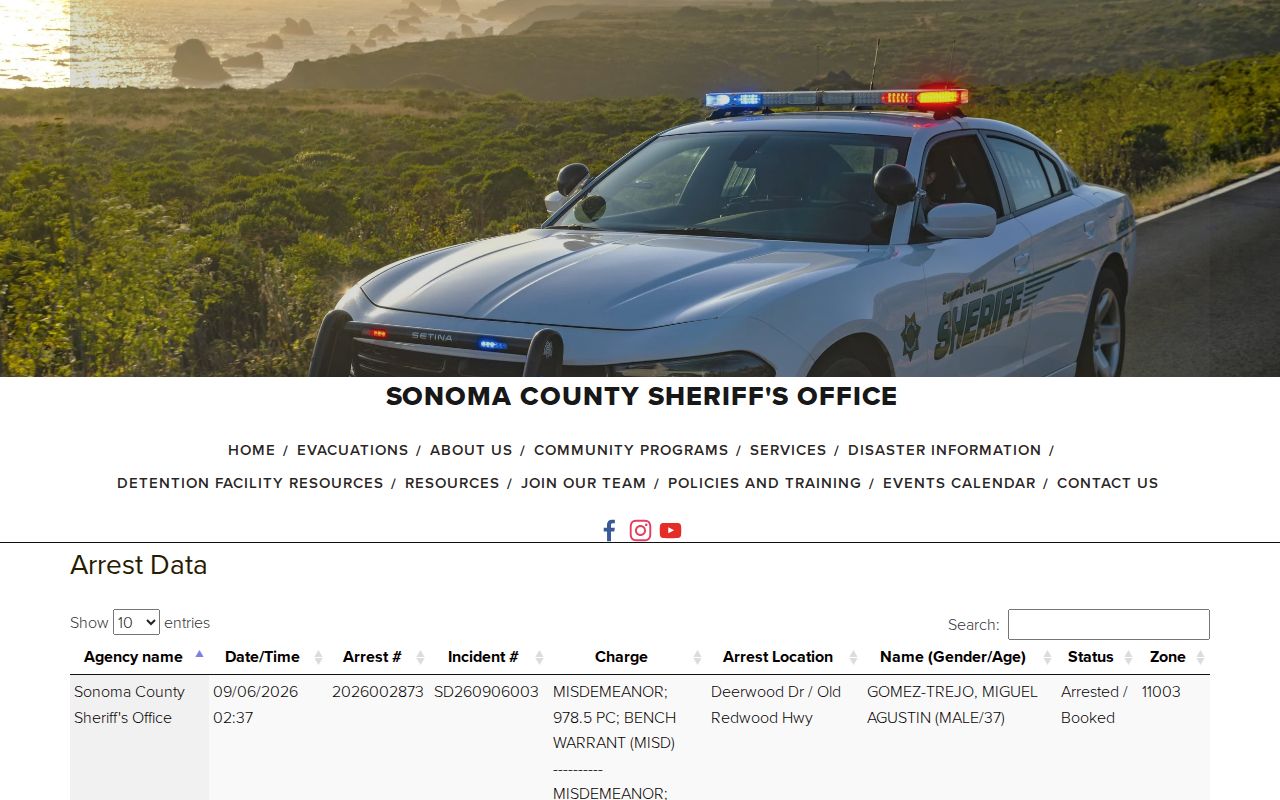
Think of it as a live lookup tool. Nothing is stored on this page. It points to the official Sonoma County feed. Names come and go as bookings update.
Check Sonoma County Arrests Today
Check the event first, then test custody. That order keeps two questions apart. One question is whether an agency published a Sonoma County arrest. The other is whether the person sits right now at the Main Adult Detention Facility or the North County Detention Facility. Answering them in sequence prevents confusion between a published event and actual custody.
- Open the Sheriff Arrest Log and review the newest Date/Time rows. Confirm the calendar date rather than relying on row order alone.
- Match the name, age, arrest location, agency, and incident information carefully. Similar names can appear.
- Open the official inmate search and search by last name or booking number to test current county custody.
- If intake may still be underway, wait for processing and check again. Sonoma publishes no standard number of minutes or hours for this lag.
- For a direct custody question, call the detention line at (707) 565-1400. For a copy or an older detention file, contact Records at (707) 565-2204.
The county-wide Sonoma County recent-arrest lookup separates the roster, the booking record, the court file, and the photo field. Each tool answers a different question. A same-day arrest log was never built to serve as a full history search. Note: Search results can change after release, transfer, correction, sealing, or completion of a jail booking.
Sonoma County Arrest Report Fields
The same-day table centers on the arrest event. No booking-photo field appears in it. Read every field in context. A charge reflects what was recorded at that stage, while "status" is a feed value rather than a final court outcome. Fields describe the event, nothing more.
| Field | What it shows |
|---|---|
| Agency name | The office associated with the reported arrest event, which may not be the Sheriff. |
| Date/Time | When the arrest was recorded; use this to identify same-day rows. |
| Arrest # | The arrest-event identifier used by the publishing system. |
| Incident # | The related agency incident reference. |
| Charge | The charge listed when the event was published, not a conviction. |
| Arrest Location | The reported place tied to the event. |
| Name, gender, age | Identity details used to distinguish people with similar names. |
| Status and zone | Operational fields attached to the published row. |
No image appears in this arrest table. The separate inmate result may show an "Inmate Picture" field after booking. Even then, no official source promises a public photo for every result. Some images also come down after release. Photos live with the custody system, not the arrest log.
When Sonoma County Booking Data Lags
A real booking takes work. It covers intake, identification, fingerprints, photographs, classification, and entry into the jail system. Sonoma's custody materials say to wait until that process finishes before expecting a roster result. They set no standard processing time. So a missing result right after an arrest proves nothing about release either. Split the job. The feed holds the published event; the roster holds current custody. When a roster result does appear, read the booking date, arresting agency, facility, charge, bail, and calendar sections closely. Those details help separate a fresh Sonoma County booking from someone else with the same surname. The Sonoma County Inmate Search is the narrow official lookup to run after scanning today's arrest rows.
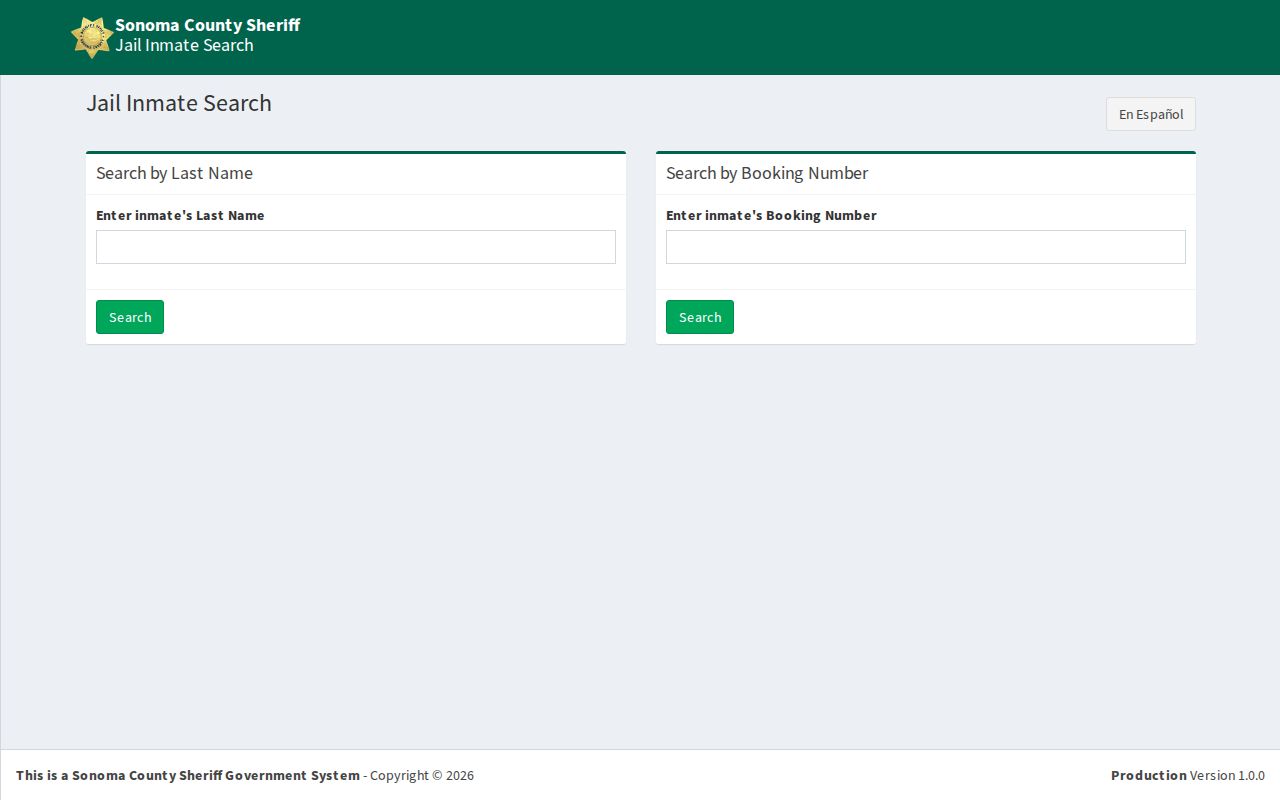
The form takes a last name or a booking number. Keep expectations modest. It is a custody search. It is not a permanent arrest archive. Older Sonoma County events roll off as the system updates.
Confirm a Sonoma County Arrest
Start with the office that holds the record. Anyone still in custody sits at Sonoma County Jail. The Sheriff's detention line gives a direct answer on who was arrested and when. Once a person has been released, the Records Unit takes over. It keeps those detention files. It processes formal report and public-record requests on weekdays, 8 a.m. to 5 p.m., closed holidays.
A written request works best when it is specific. Name the person. Give the approximate arrest date, the agency involved, and any incident or arrest number you have. State exactly which document you want. The Sheriff report-request page promises a response within ten days, though payment may come due before anything is released. No flat booking-photo fee is published, so ask Records for the current amount rather than guessing.
VINE sends custody alerts after a Sonoma booking. It will not supply the charge or the photo. For arrest history that stretches past a single day, Sonoma County Arrest Reports covers the multi-day ground, from open-data rows to logs kept by individual city police departments.
When a live roster entry has rolled off or never appeared, the official Sonoma Sheriff request page lays out the formal path.
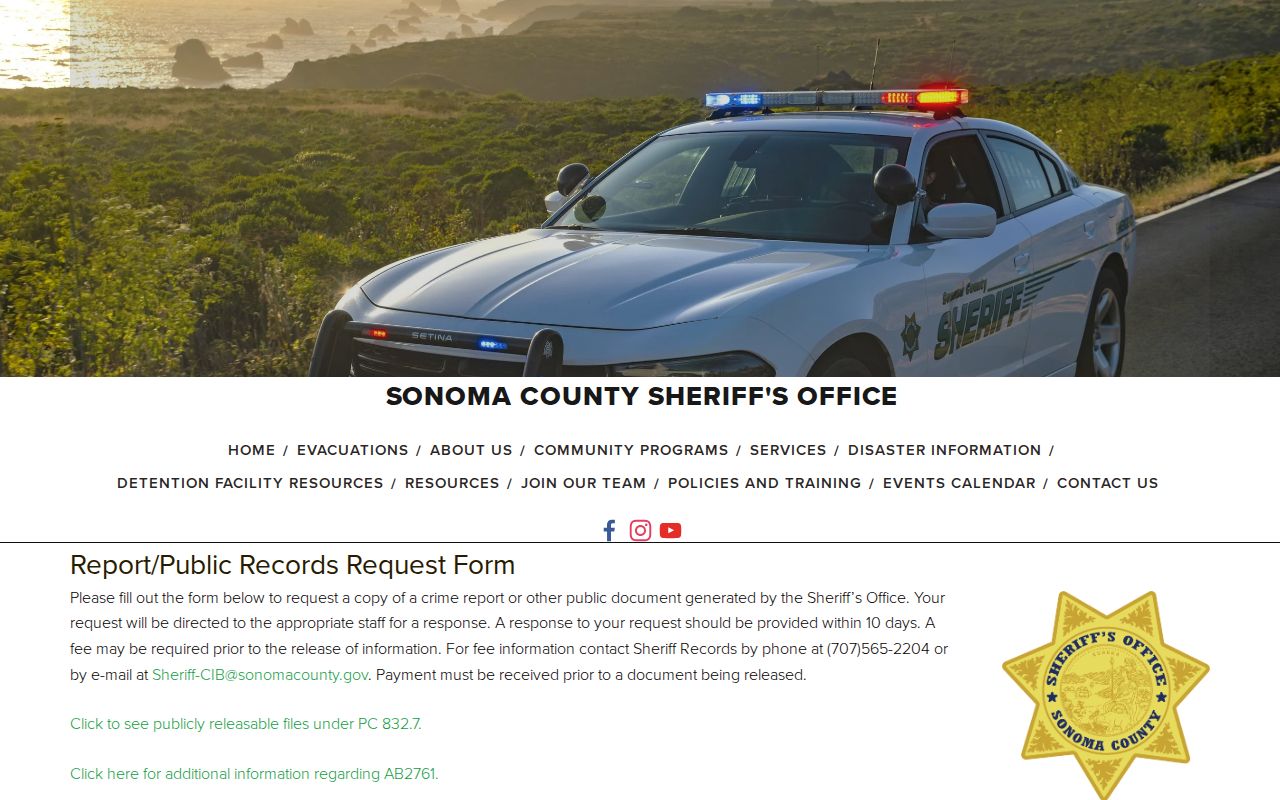
This route seeks a government copy. It does not turn the public feed into an archive. The two serve different needs. Note: The main Sheriff office line offers no live booking confirmation; call detention for custody and Records for copies.
Sonoma County Arrests on Mobile
The Sonoma County Sheriff's Office lists no app for inmate lookup or booking photos. The mobile-friendly Sheriff site is the tool to use. Its arrest log and inmate search both run well on a phone. GettingOut looks related, but it is not. That service handles detention communications and tablets, not arrest searches. Sheriff social media, Nixle, and SoCoAlert share agency news and emergency alerts. None offers a booking-photo feed. That split matters during a fast search. A social post may cover one event, while the arrest table records event fields and the roster shows current jail custody. None of them replaces the Sonoma Superior Court record for what was filed or how a case ended.
Identify the Sonoma Arrest Agency
The Sheriff's arrest table is not purely Sheriff work. Rows can come from other agencies across Sonoma County. That makes the agency field a must-read in a same-day arrest search. Santa Rosa Police, Petaluma Police, or Rohnert Park Public Safety may create the initial event, even when the later county-jail booking runs through MADF. Read the agency, arrest location, arrest number, and incident number together. A county row is not always a Sheriff arrest. Cities publish their own arrest data too. Santa Rosa keeps a thirty-day ArcGIS arrest layer. Petaluma runs an automated city arrest table. Its rows can be corrected, supplemented, or removed later. Rohnert Park DPS publishes no current arrest blotter. These city tools can help confirm which office owns an event, but they do not turn the same-day county log into a fixed twenty-four-hour feed. Was the arresting agency a city department? Ask that city for its incident or police report. If the person entered Sonoma County jail, the Sheriff roster and detention contacts cover present custody. That split sends each request to the office that created or holds the record. Note: Agency ownership sets the records path, while the Sheriff roster remains the public check for current county-jail custody.
Sonoma Arrest Custody States
A same-day search can end in several valid places. One person may show a row with no booking. That happens when the matter ends in a citation or a release. Another may still be in intake and missing from the roster. A completed booking can place someone at MADF or another county facility. Release removes a name from a current-custody search. Transfer to state or federal custody adds another boundary. Check the date and facility fields to see which stage is shown. VINE sends custody-change notices after a Sonoma booking. CDCR's CIRIS search applies only after a move into California state prison, and the Federal Bureau of Prisons and ICE locators sit on separate systems entirely. One empty result proves nothing about the rest.
Sonoma County Arrest Charges Are Accusations
Charges on a same-day Sonoma County log can change. A case filed at arraignment may look quite different from what the jail first listed. Bail amounts and calendar dates in a booking record describe one moment, and the jail updates them as things move. For filings and hearings, the Superior Court criminal case record is the source that matters. It also shows the case outcome. A simple sequence works well. Check today's log for the reported arrest, the inmate roster for present custody, then the court record for how the case ends. That order keeps each piece of the arrest record in its proper place.